Documentation Index
Fetch the complete documentation index at: https://peerdb-caveat-add-col.mintlify.app/llms.txt
Use this file to discover all available pages before exploring further.
Supported Postgres versions
Anything on or after Postgres 12Enable Logical Replication
You don’t need to follow the below steps if the settingscloudsql. logical_decoding is on and wal_sender_timeout is 0. These settings should mostly be pre-configured if you are migrating from another data replication tool.
- Click on Edit button on the Overview page.
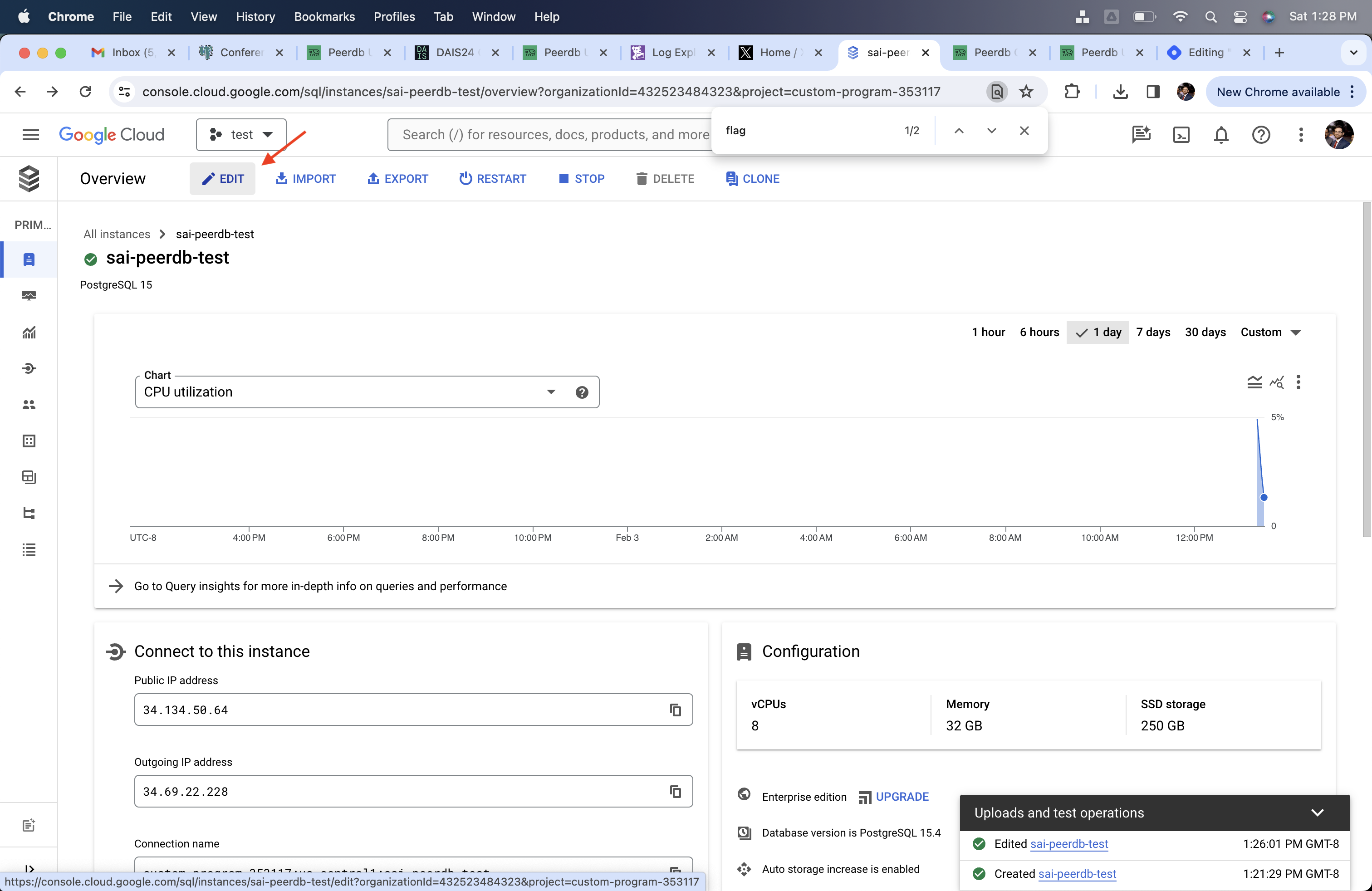
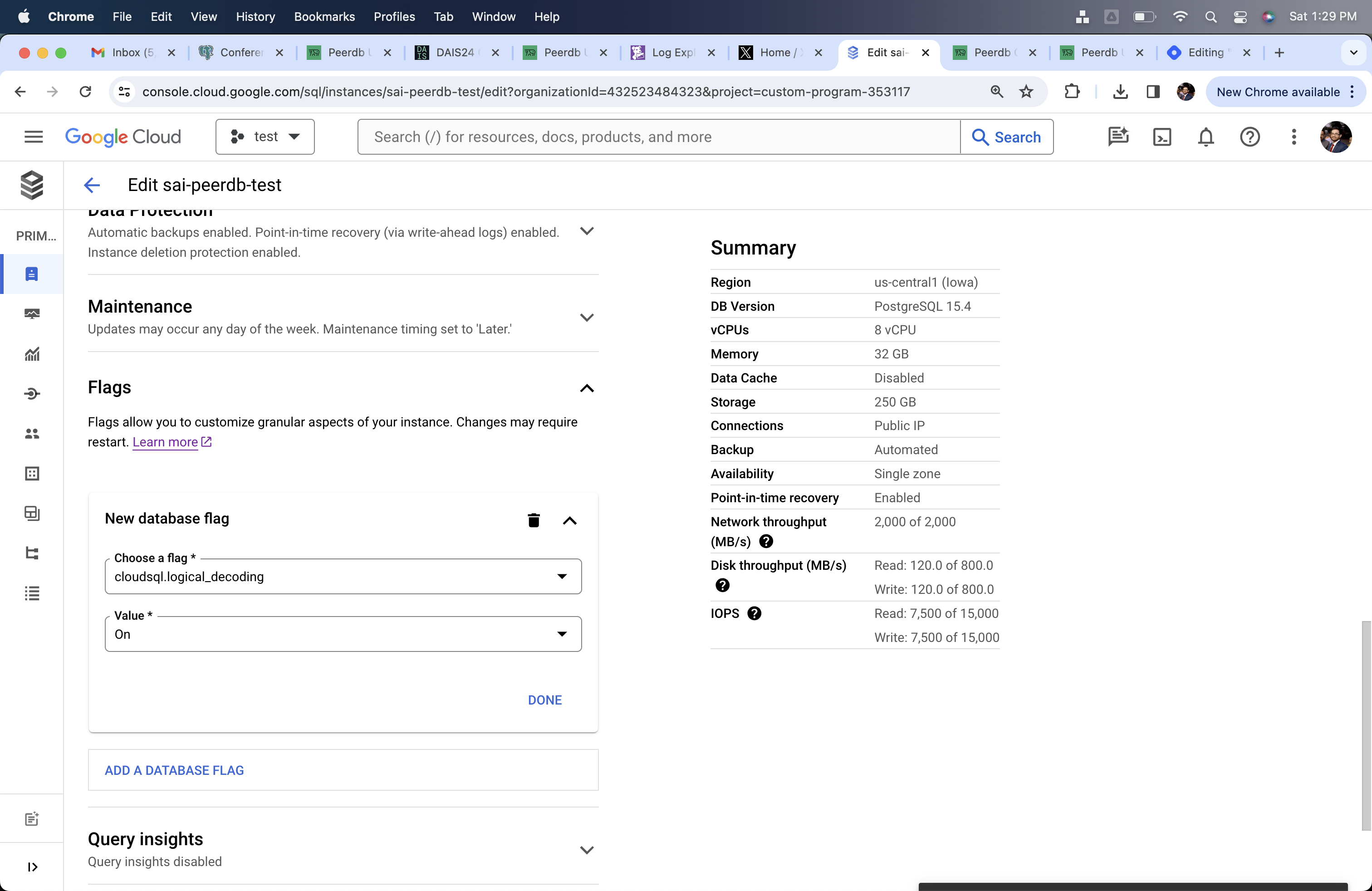
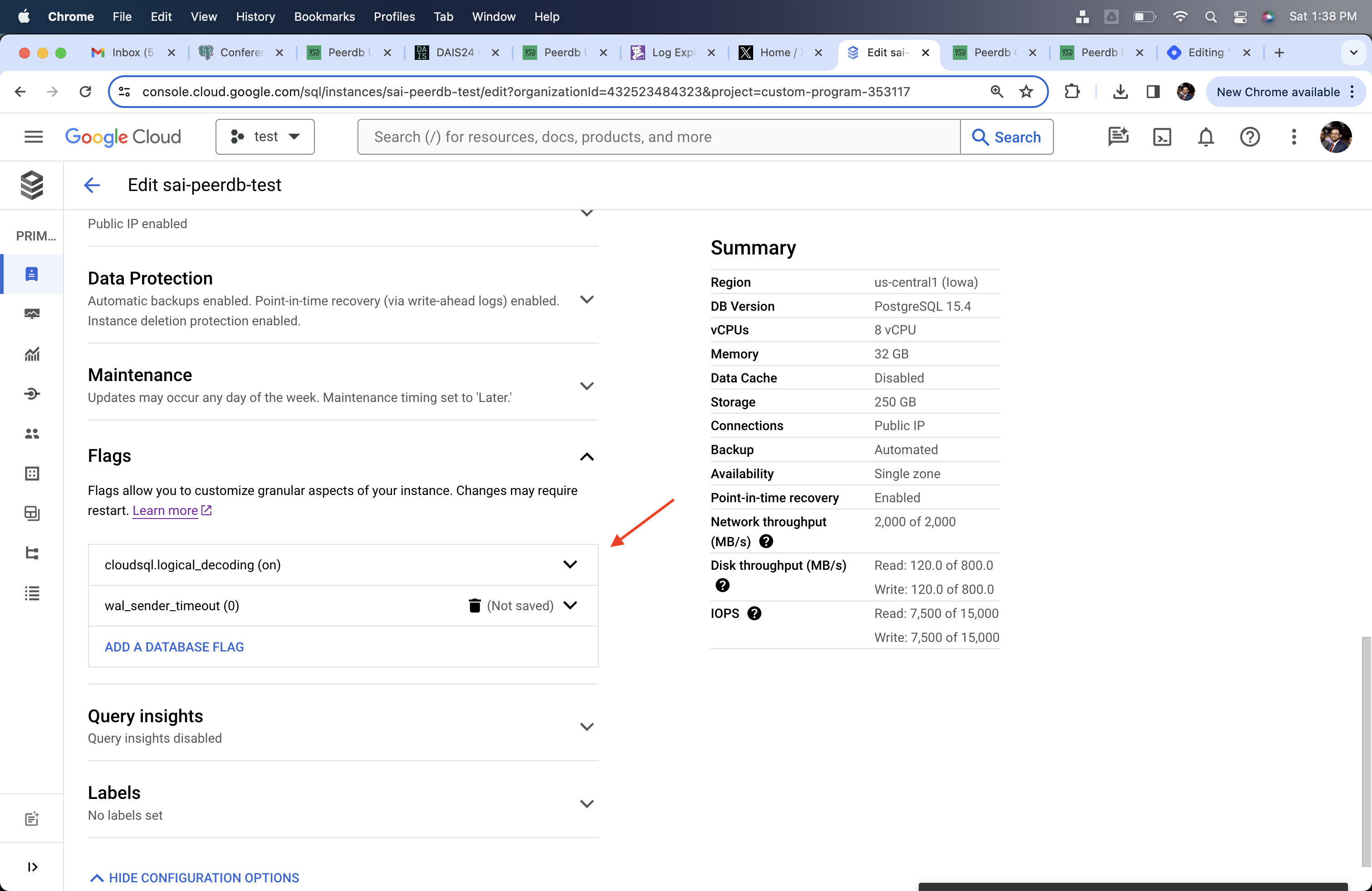
- Go to Flags and change
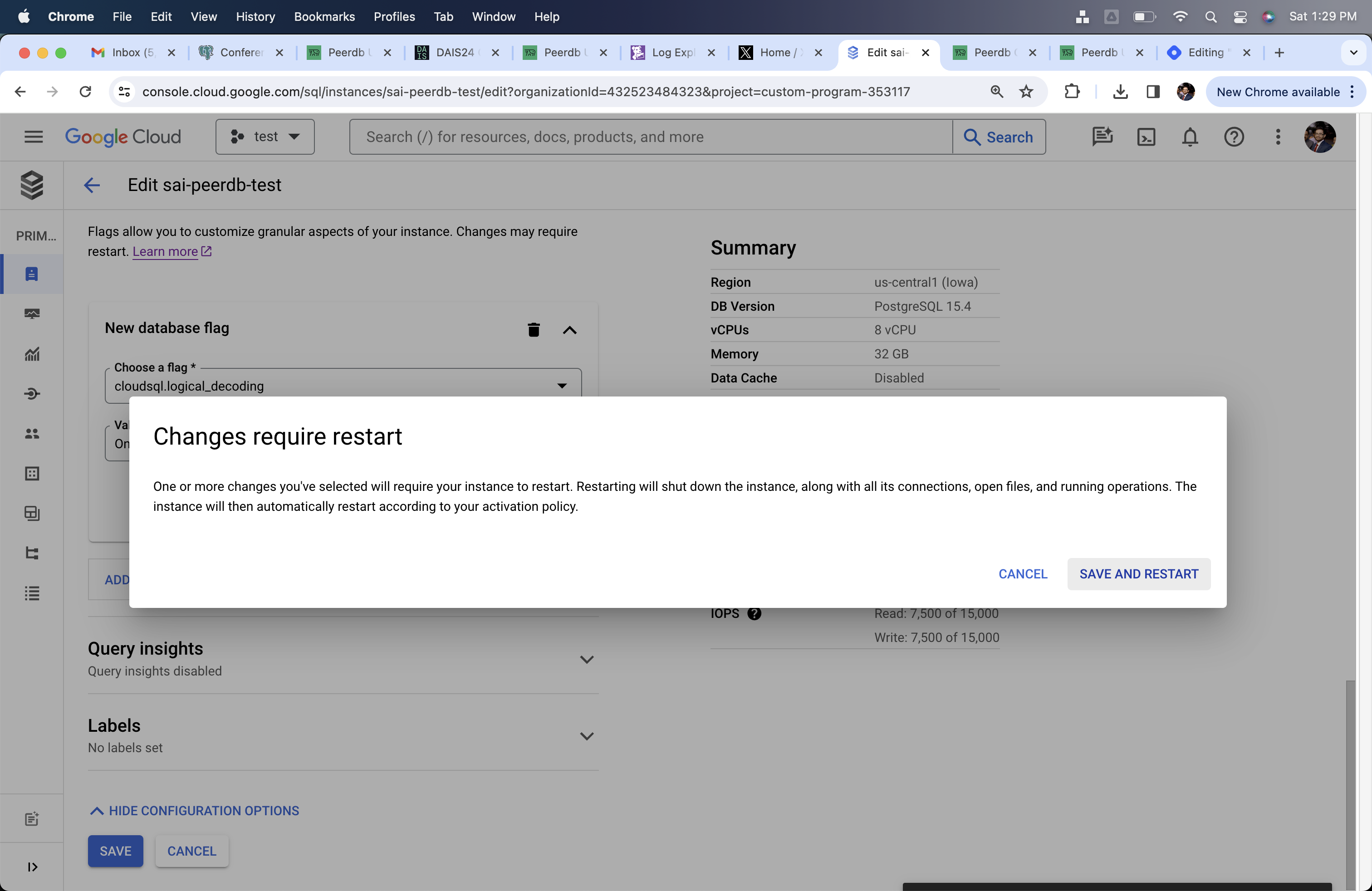
cloudsql.logical_decodingto on andwal_sender_timeoutto 0. These changes will need restarting your Postgres server.
Creating PeerDB User and Granting permissions
Connect to your CloudSQL Postgres through the admin user and run the below commands:-
Create a Postgres user for exclusively PeerDB.
-
-
Provide read-only access to the schema from which you are replicating tables to the
peerdb_user. Below example shows setting up permissions for thepublicschema. If you want to grant access to multiple schemas, you can run these three commands for each schema. -
-
Grant replication access to this user:
-
-
Create publication that you’ll be using for creating the MIRROR (replication) in future.
-
The PeerDB user must not be restricted by RLS policies, as it can lead to missing data. You can disable RLS policies for the user by running the below command:
PeerDB SSH Tunneling Guide (Optional)
Sometimes to connect to your Postgres database you may need PeerDB to use an SSH tunnel. This is typically used when your database is not publicly accessible and you need to connect to it a jump server in your VPC. This is done by creating an SSH tunnel to your jump server and then connecting to the database through the tunnel. All of this is handled by PeerDB natively.Generate a key-pair
Generate a key-pair using the following command:This will generate a private key (
peerdb_key.pem) and a public key (peerdb_key.pub).Add public key to your jump server
Add the public key to your jump server. This can be done by adding the public key to the
~/.ssh/authorized_keys file on the jump server.Add PeerDB Cloud IPs to Firewall
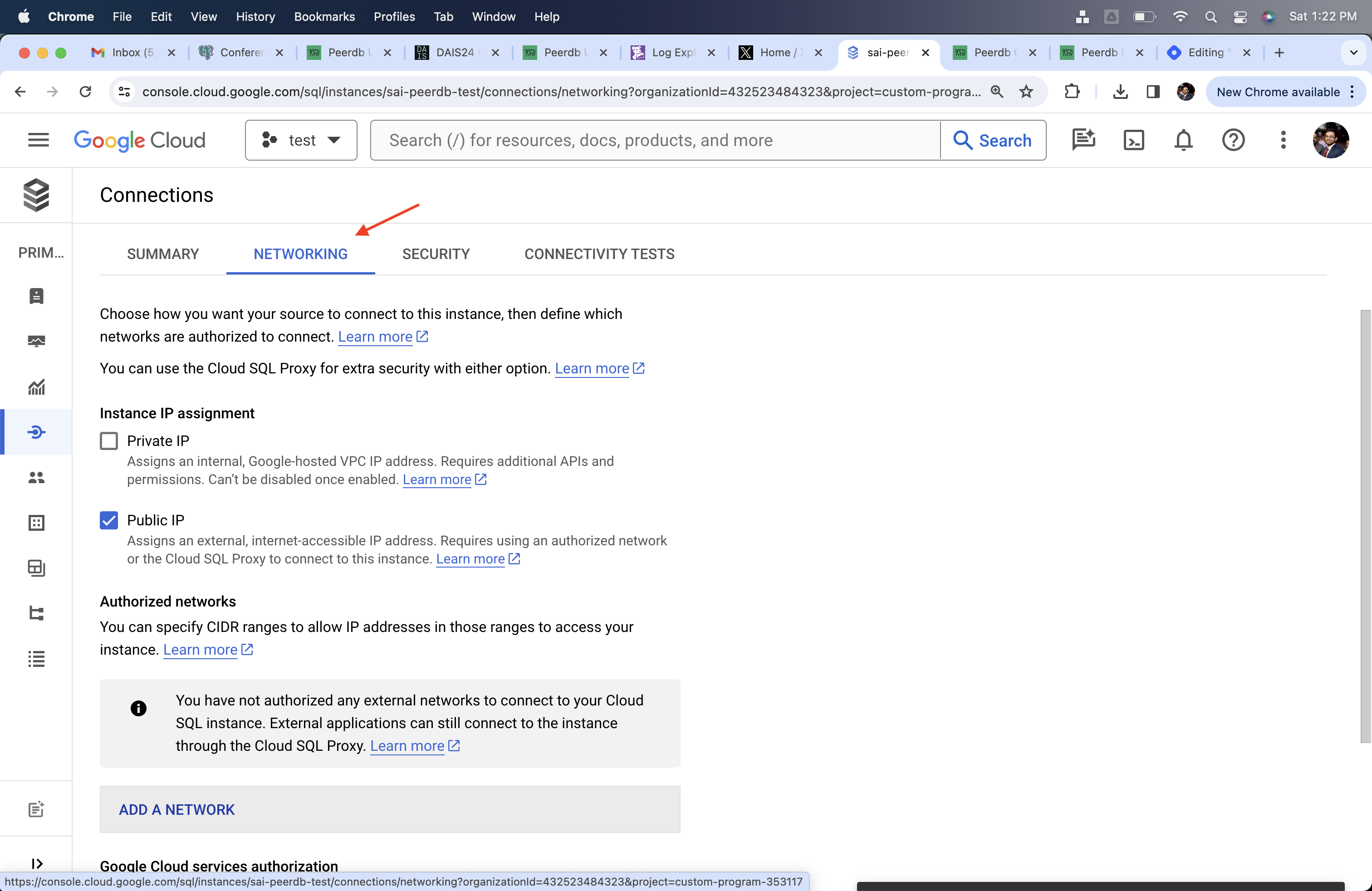
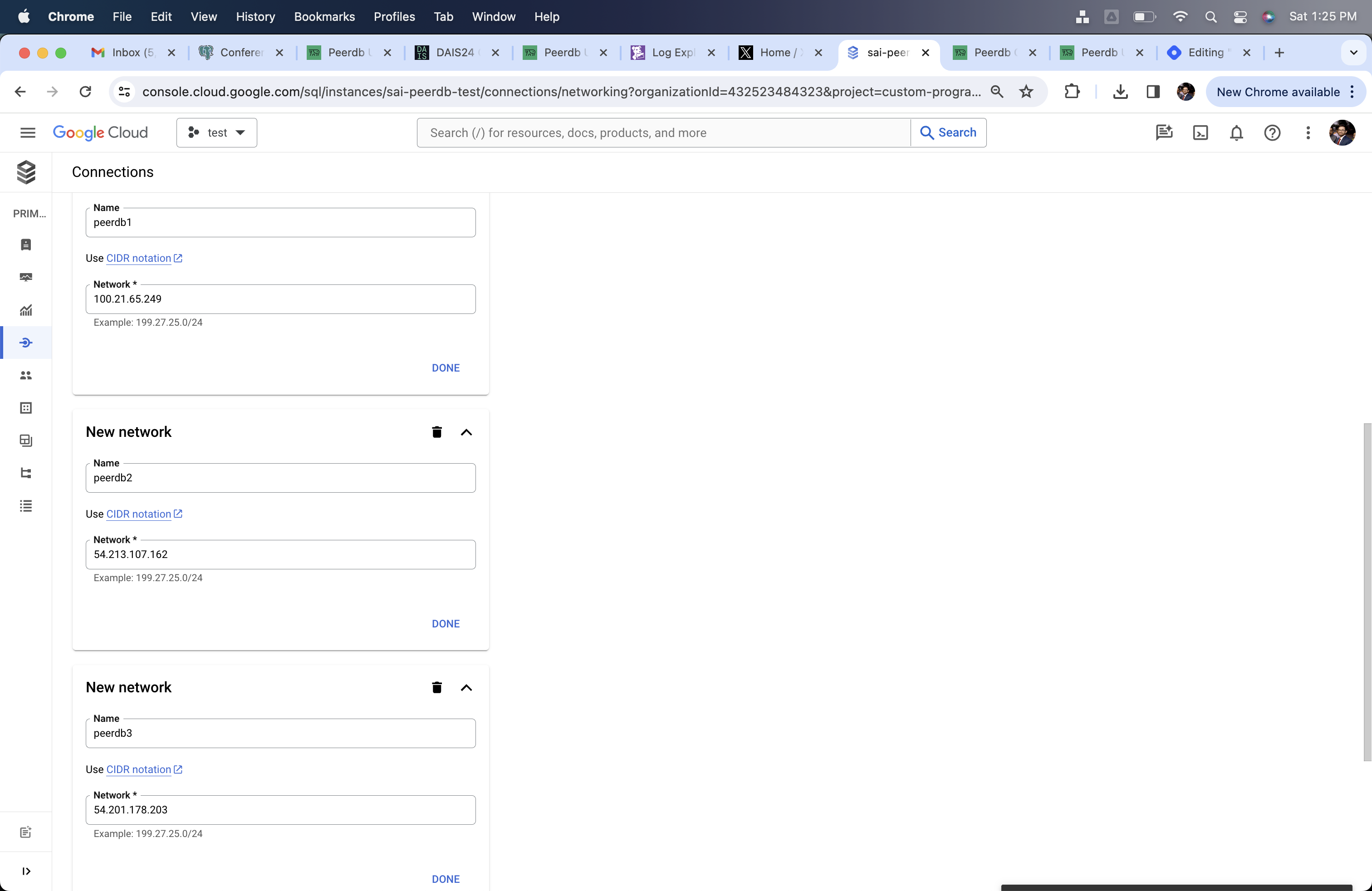
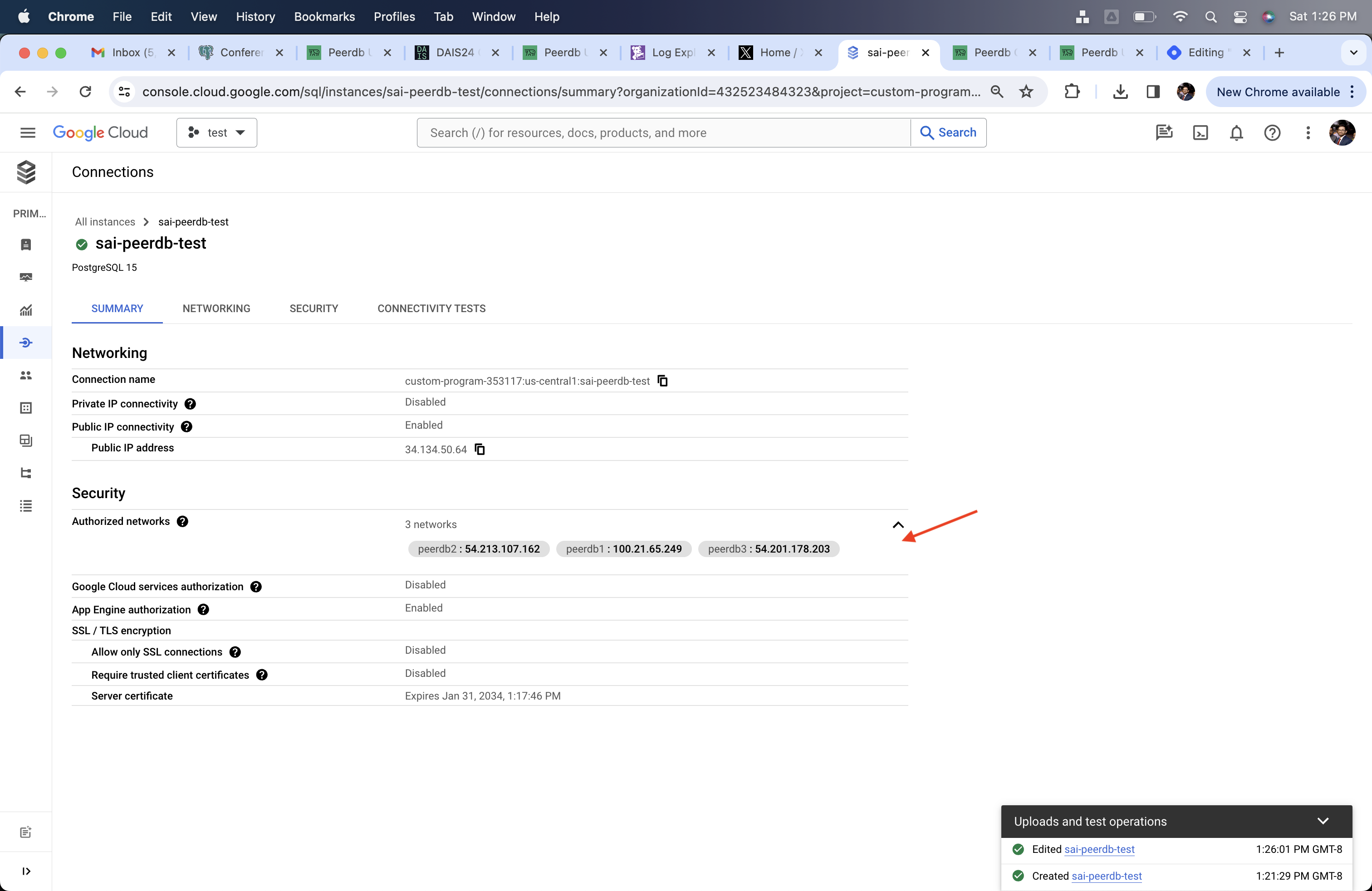
If you are using PeerDB Cloud, please follow the below steps to add PeerDB IPs to your network.If your are using SSH Tunnel, then you need to add the PeerDB Cloud IPs to the firewall rules of the Jump Server/Bastion.
- Go to Connections section
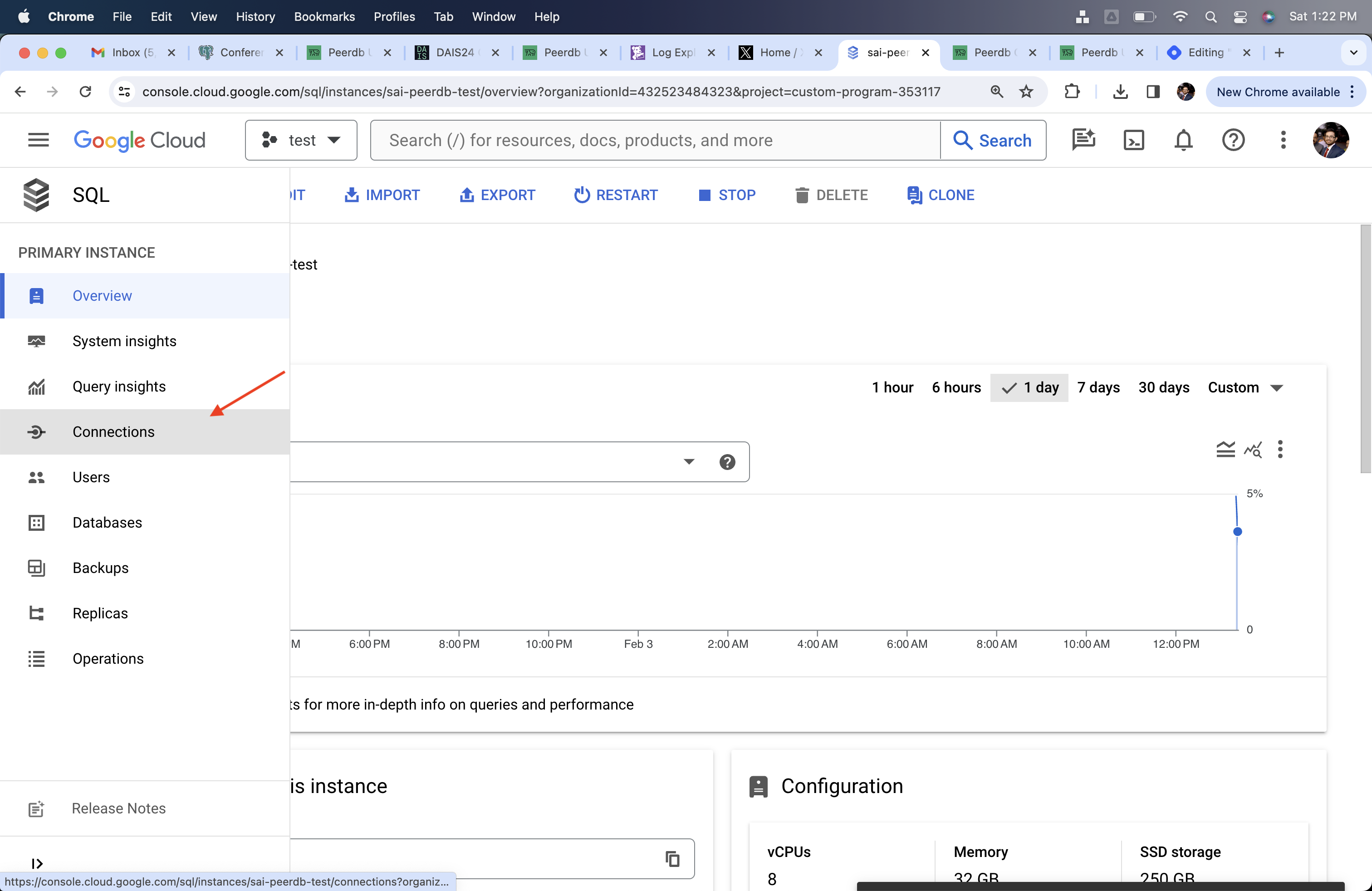
- Go to the Networking subsection
Create CloudSQL Postgres Peer in PeerDB
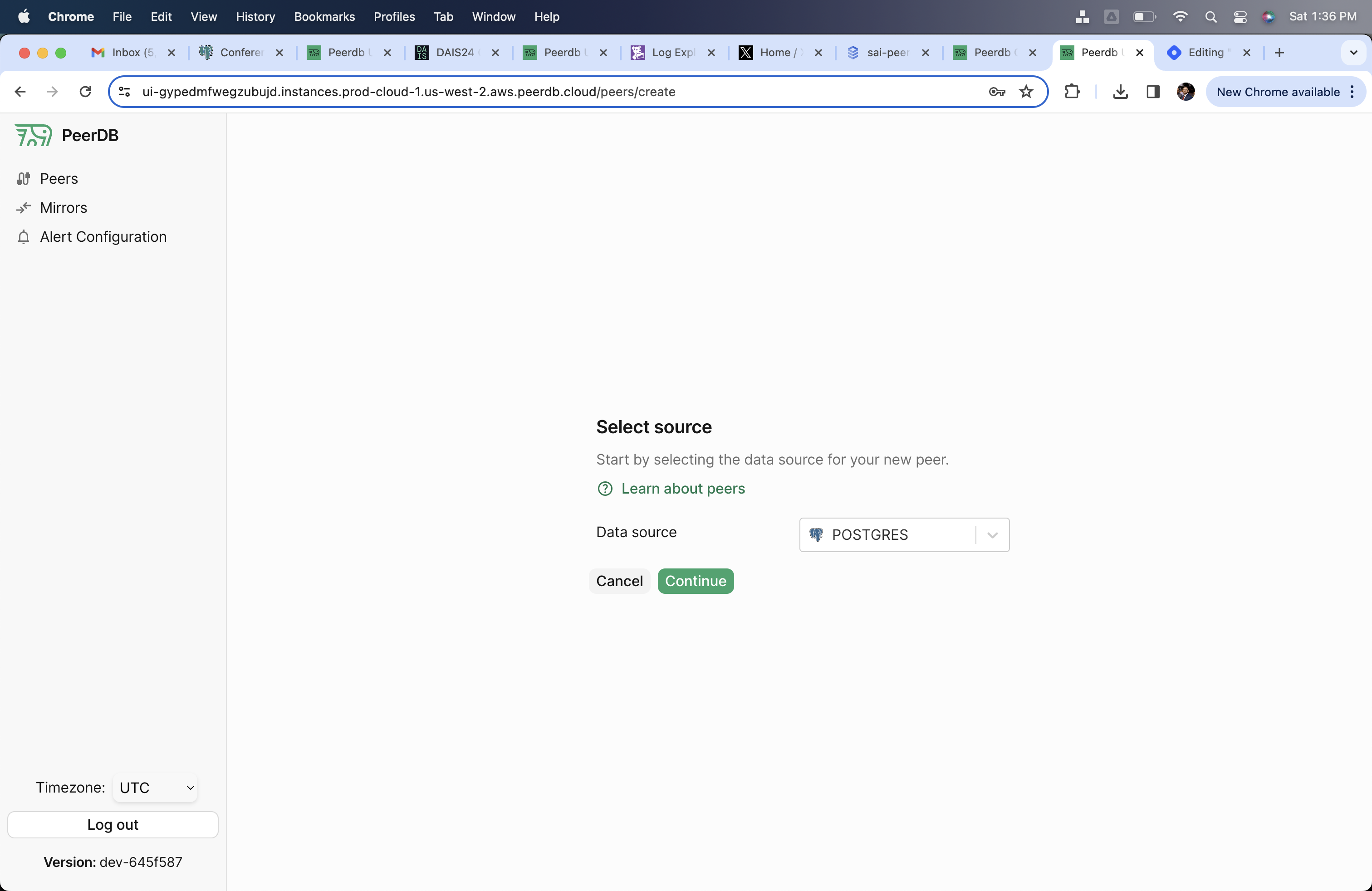
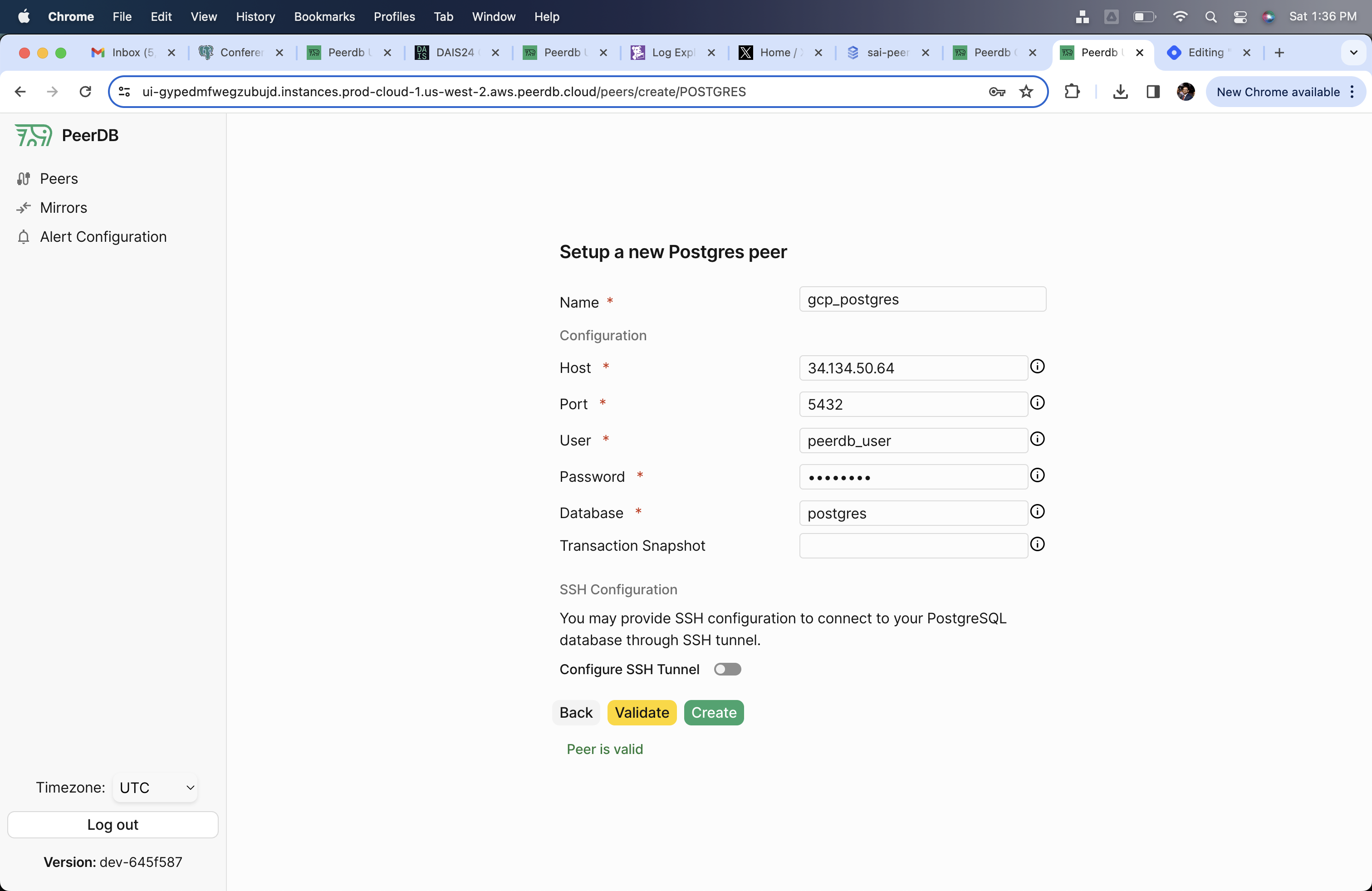
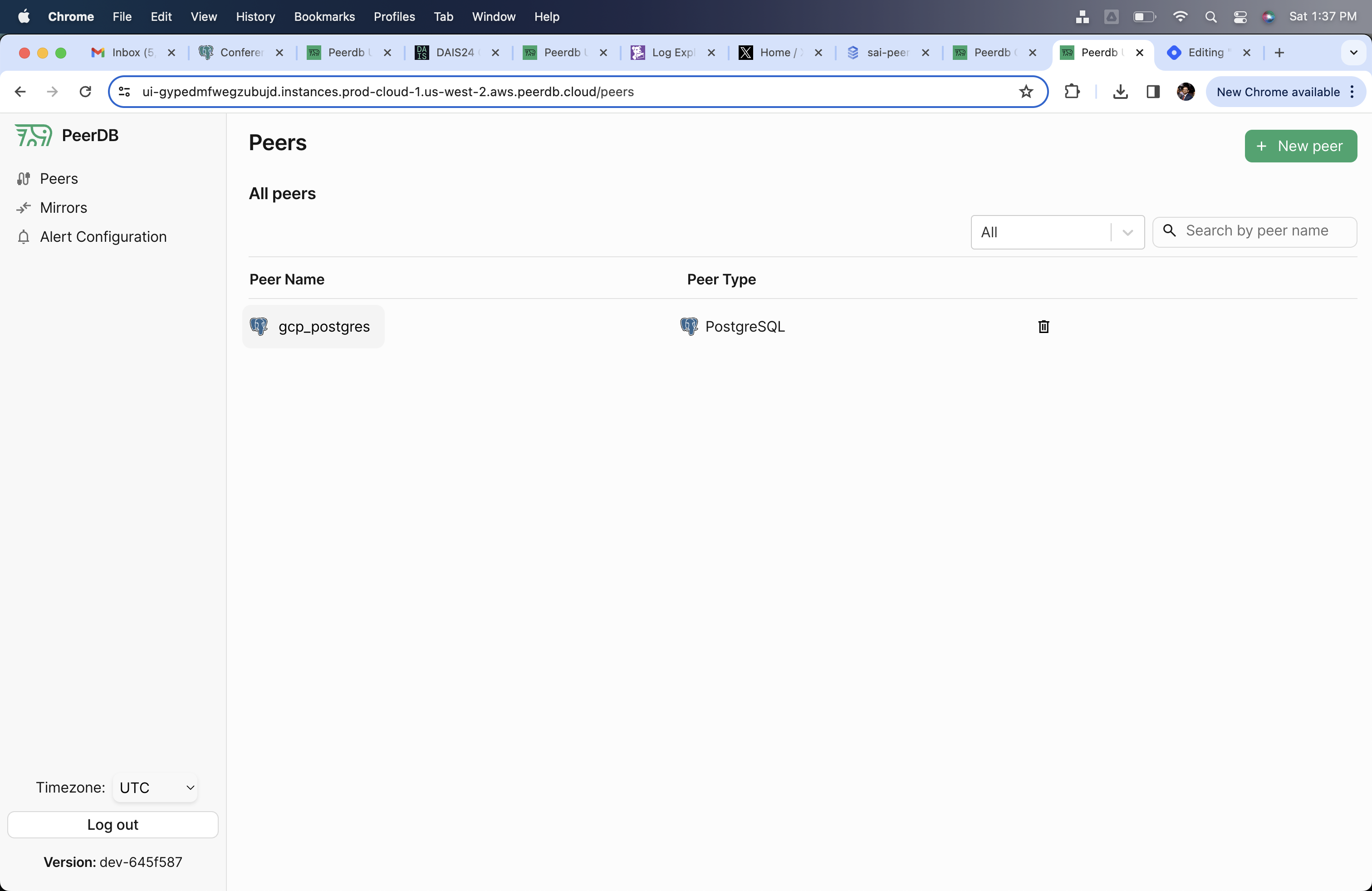
Through the PeerDB UI, create the CloudSQL Peer using thepeerdb_user that you created in the previous step.